Organisers
Your next event is always at the top
Add it in Hilltops and it's on your page, with a link people can use to find it, save it and chat about it before the night.
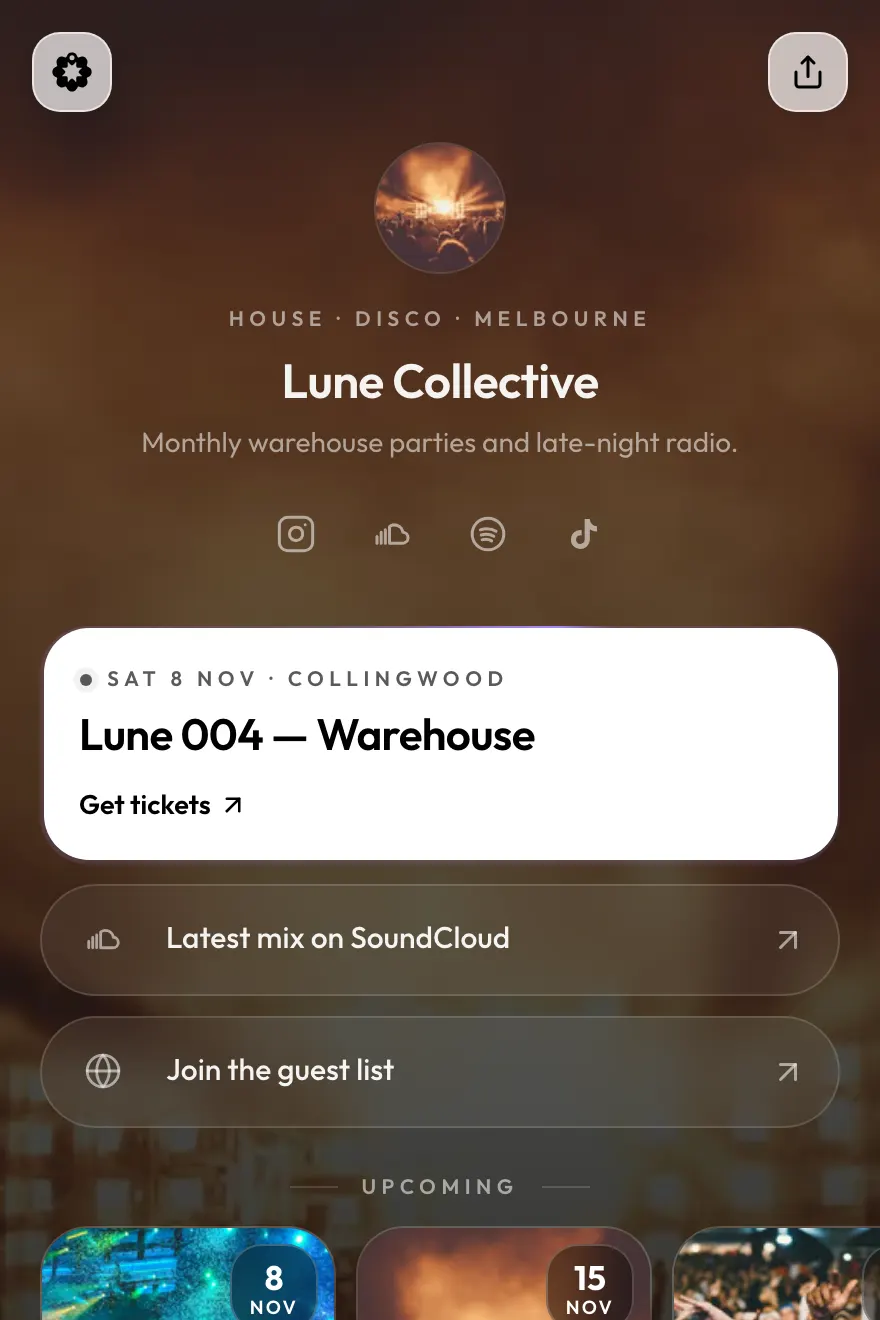
Bio links · for organisers, communities and venues
Bio links puts your upcoming events, community chat and venue on one page. It updates by itself from Hilltops, where locals discover what's on.
Free to create. Apply for an account in a few minutes.
sound familiar?
Ticket links from last month, a group-chat invite that's expired, a booking link, a menu. Followers scroll past it, and you're the one updating it every week.
Instagram gives you one link. Bio links makes it the only one you need, and keeps it current for you.
set it up once
Three steps in the Hilltops business portal.
Choose from 8 templates and add your logo, bio and socials.
Upcoming events, community chat, your venue, links. Click any block in the live preview to edit it.
Copy hilltops.app/l/yourname into your Instagram bio. Your events and hours keep it current from there.
build it from blocks
Mix and match blocks. The ones that come from Hilltops keep themselves up to date.
Shown live from your Hilltops events, as a list, cards, a carousel or one featured event.
"Join" opens your community chat in the Hilltops app.
Open now, hours, address, Directions and Call, plus booking buttons like "Book your court".
Photo albums from your past events, so new people can see what a night is like.
Your own buttons and thumbnails for anything else: merch, a menu, a sign-up form.
A template, your photo, or a short looping video background.
made for people who run things
Organisers
Add it in Hilltops and it's on your page, with a link people can use to find it, save it and chat about it before the night.
Communities and clubs
Put your Hilltops community chat where the group-chat invite used to be. New people can find your next meetup and join the conversation in one tap.
Venues
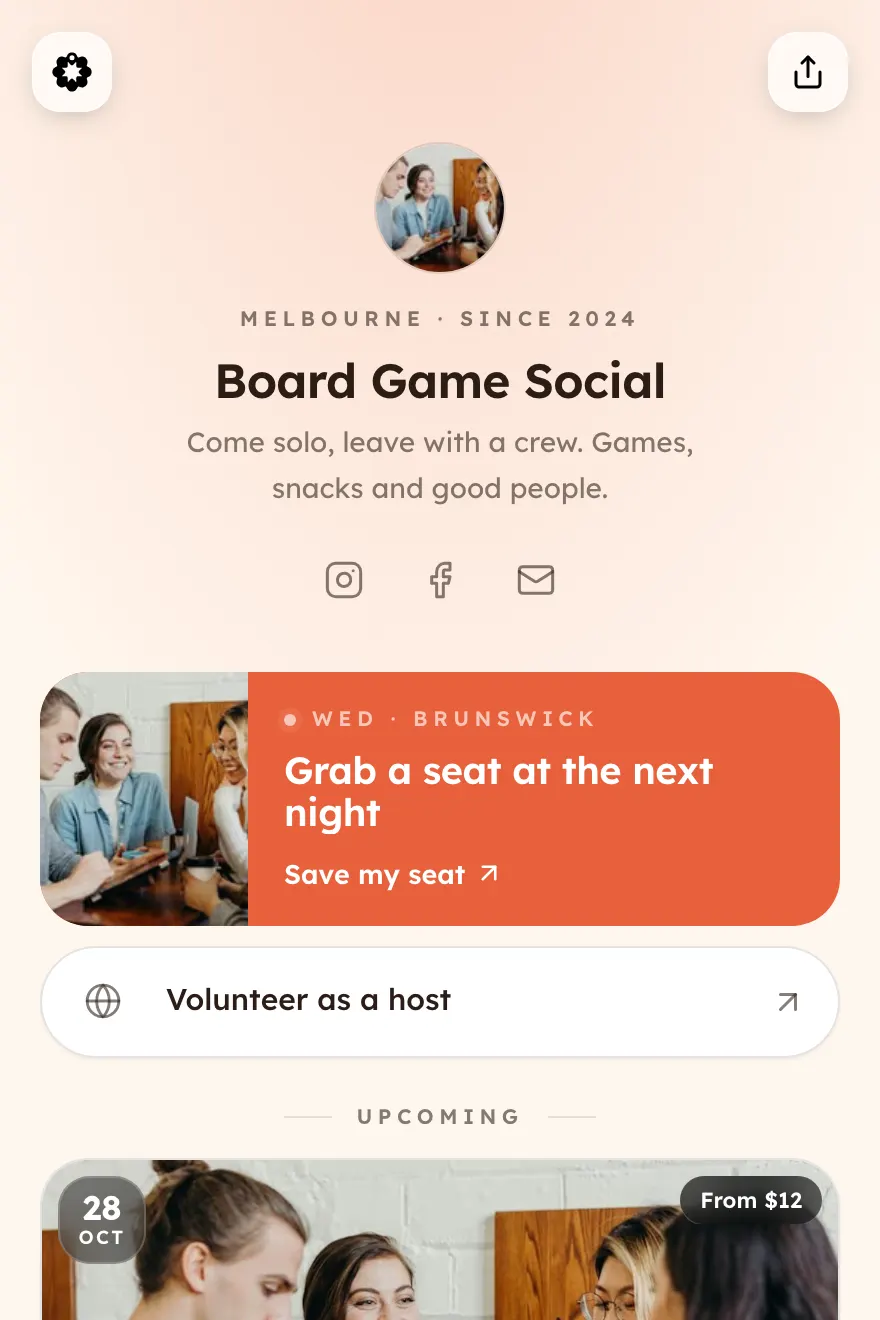
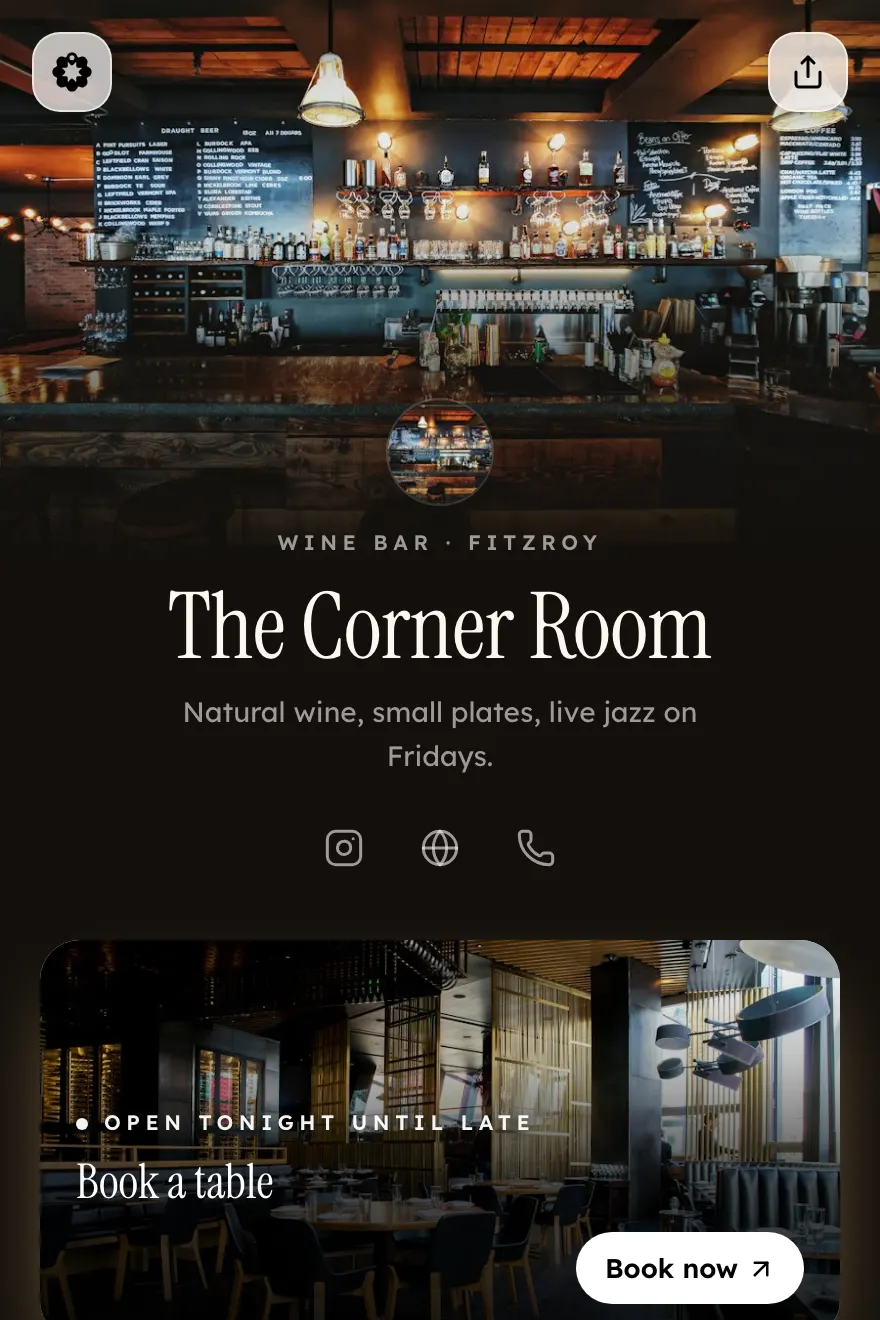
Show whether you're open right now, how to get there, how to book and what's on this week, all from your Instagram bio. Change your hours in Hilltops and the page shows the change.
DJs, musicians and comedians can use Bio links too, for gigs, recaps and links.
more than a list of links
Your Bio link doesn't just point at things. People who tap through from Instagram can see your events, join your chat and find your venue in Hilltops. Your events also show up for people browsing what's on nearby who don't follow you yet.
make it yours
Change it any time. Hover or focus a template to scroll the whole page.
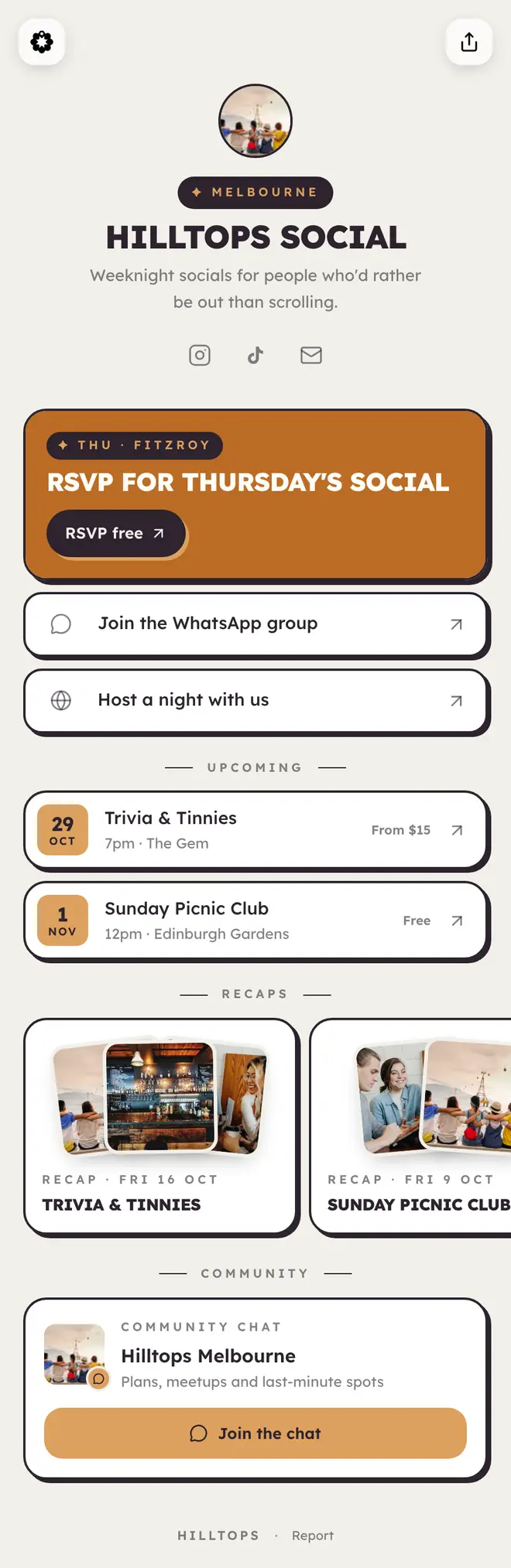
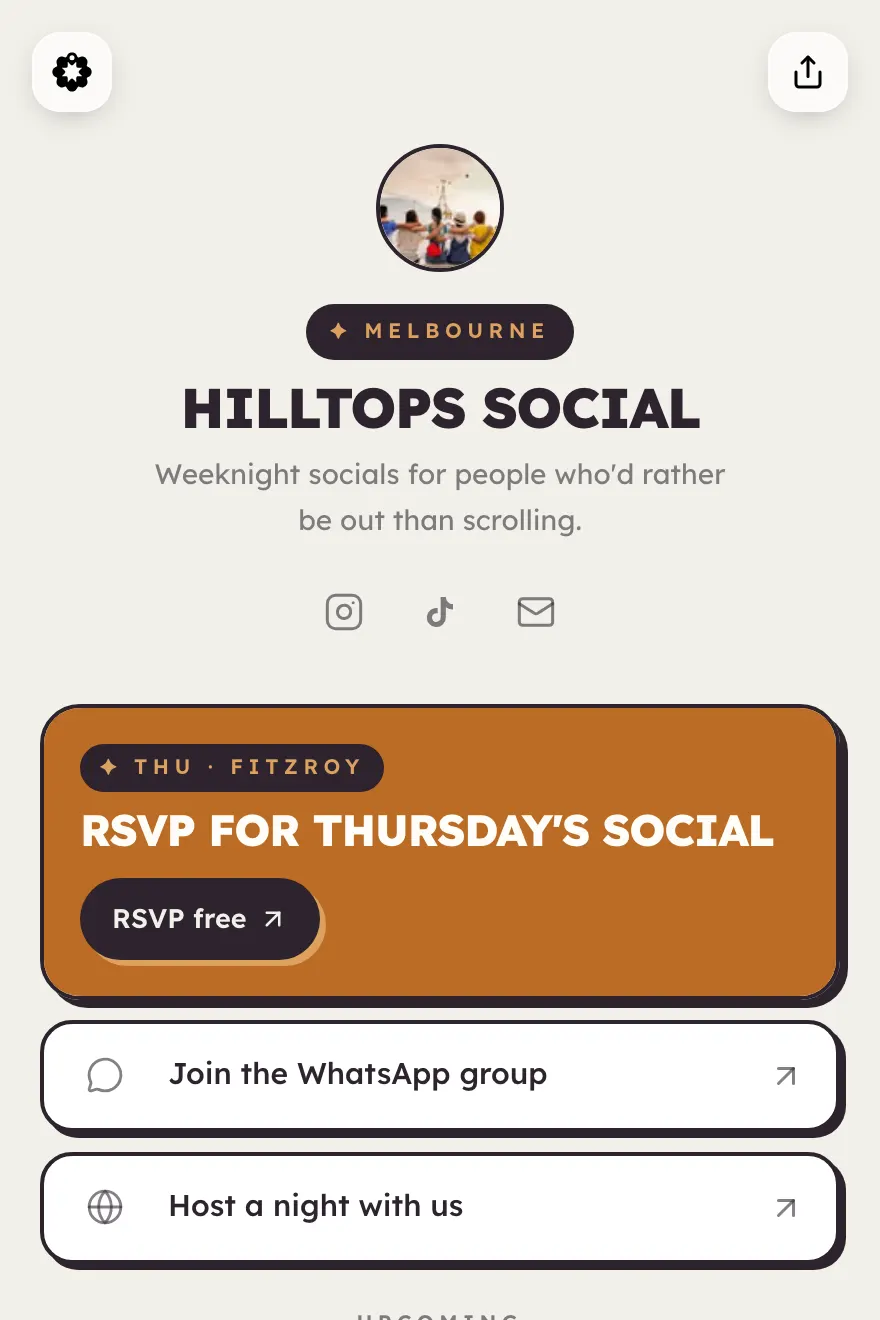
Warm and bold, with sticker cards. The Hilltops house style.
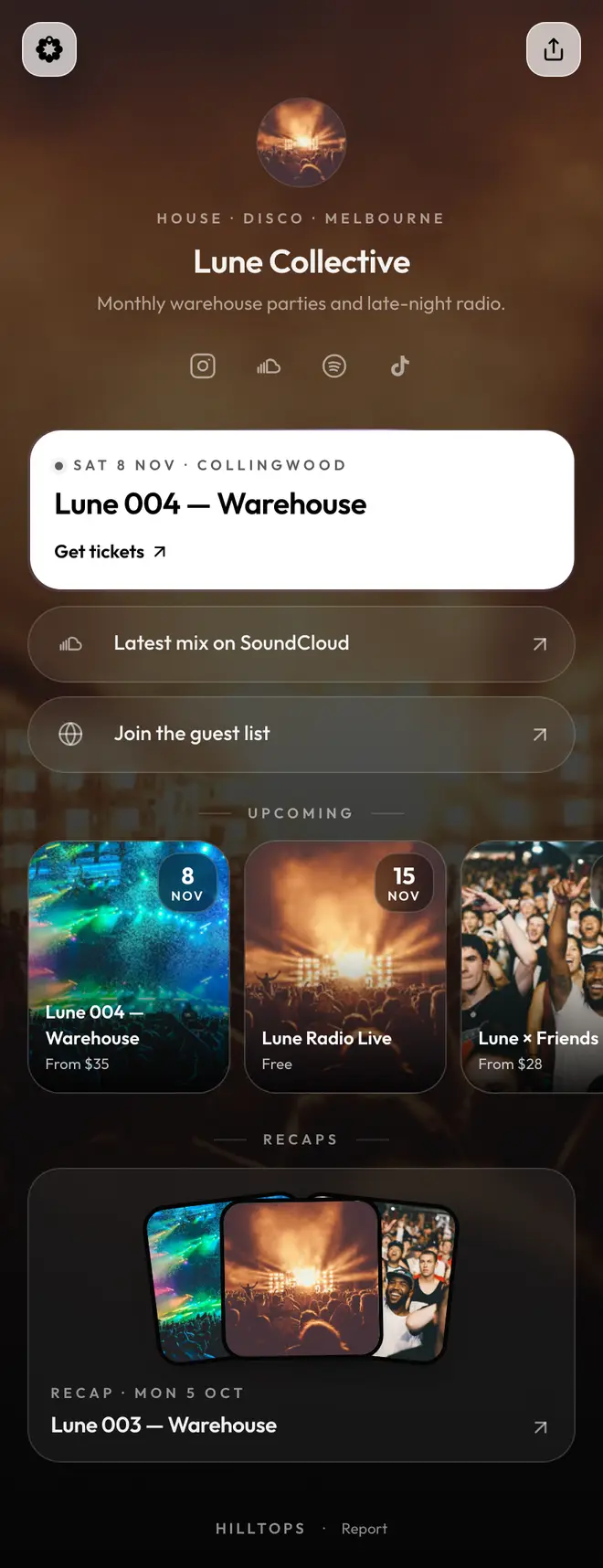
Black, frosted and photo-led, with a moving light edge.
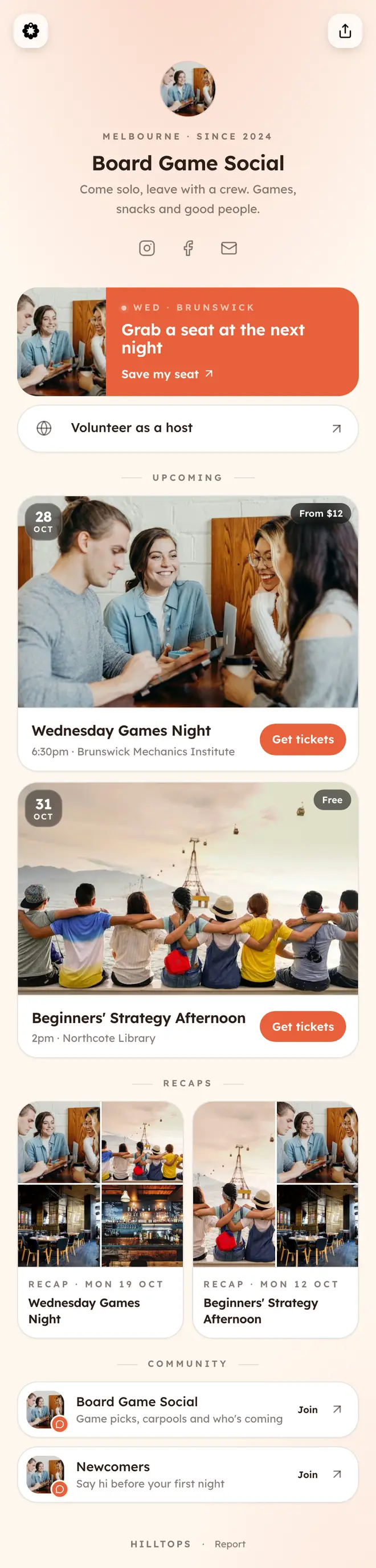
Friendly cream and coral, round and welcoming.
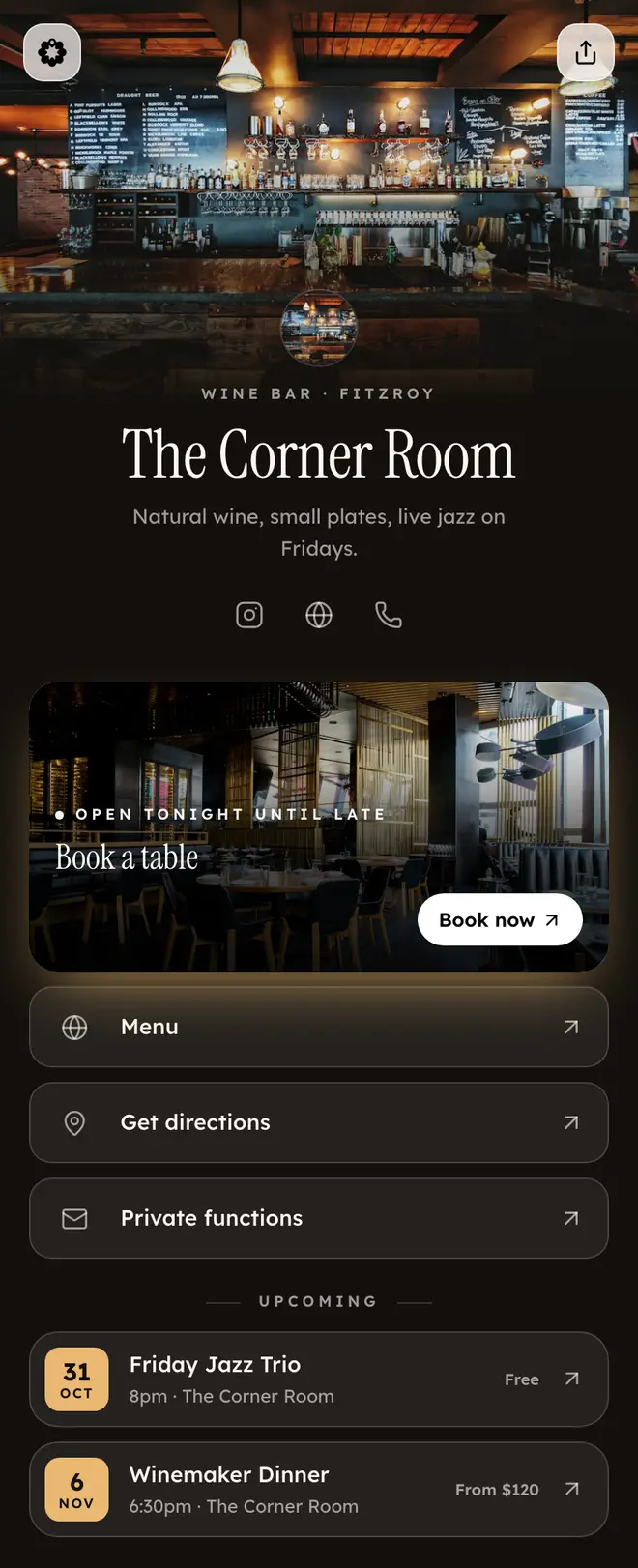
Your photo up top, fading into a dark, elegant page.
+4 moreStage, Active, Neon, Minimalism
Your events, community chats, venue hours and booking links come straight from Hilltops, so the page updates when they change. Links you add yourself stay as you set them.
It can open the Hilltops app if they have it, or the event's web page if they don't. Inside Instagram's own browser it opens the web page, which has an "Open in app" button.
Bio links is free. You need a Hilltops business or creator account, which you can apply for in a few minutes. Once your account is approved you can build and publish your page.
Yes. Creator accounts get Bio links too, with everything except the venue block: your upcoming gigs, community chat, recaps and your own links.
Generic link-in-bio tools hold a static list of URLs that you keep editing. Bio links is connected to Hilltops: your events, chats and venue update themselves, and every tap can lead into the app where people nearby discover what's on.
No. Ticket and booking buttons go to the platform you already use.
Bio links pages set no cookies and run no analytics on visitors.
Visitors on a computer see a QR code they can scan to open the page on their phone.
one link.
Set up your Bio link once, paste it in your bio, and let Hilltops keep it current.
Already have an account? Open Bio links in the portal